Microsoft Entra Connect Sync Upgrade process
Microsoft Entra Connect Sync Upgrade process
You need to get the installed from Entra
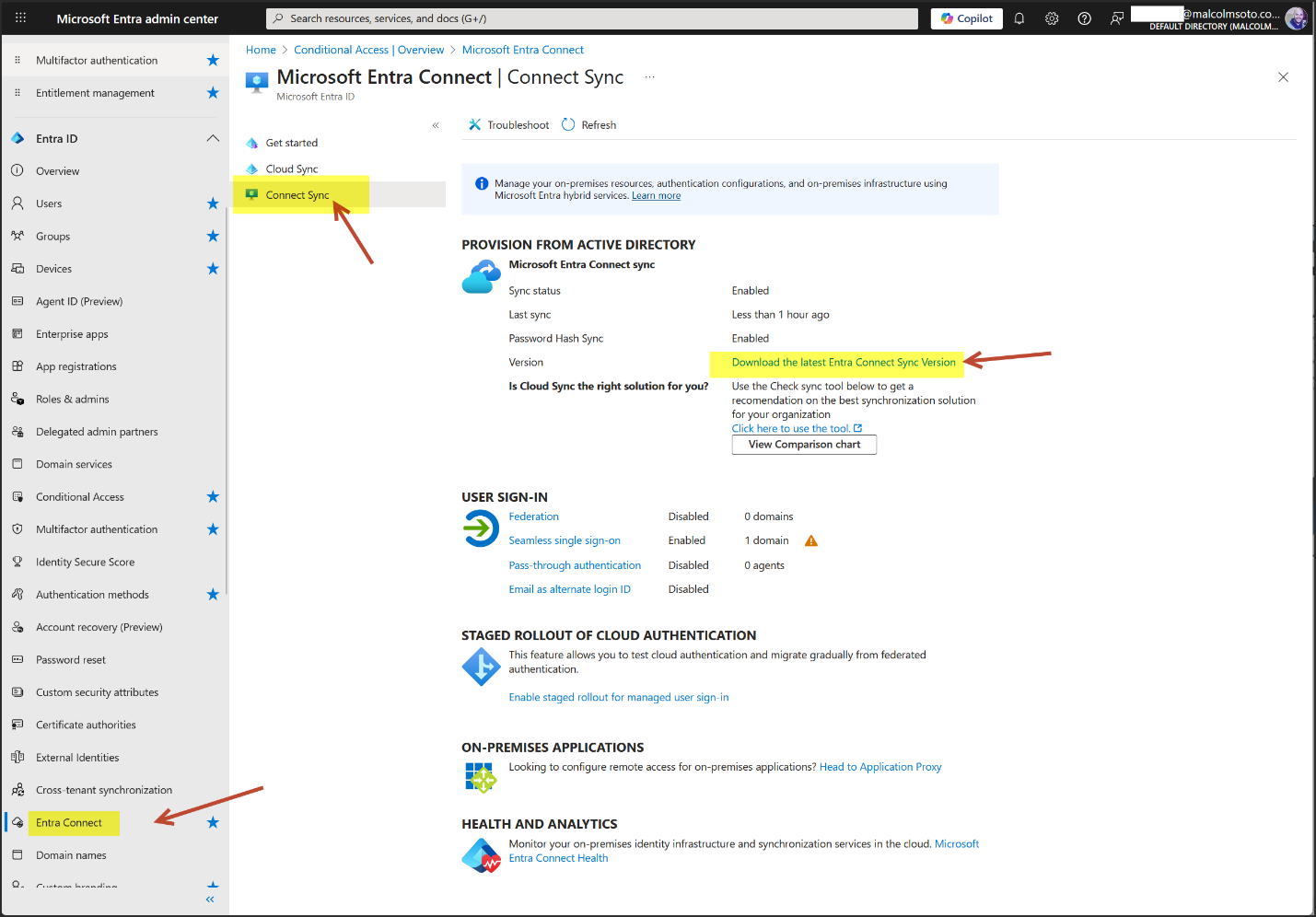
Navigate to Entra ID > Entra Connect > Connect Sync
Click the Download the latest Entra Connect Sync Version link.
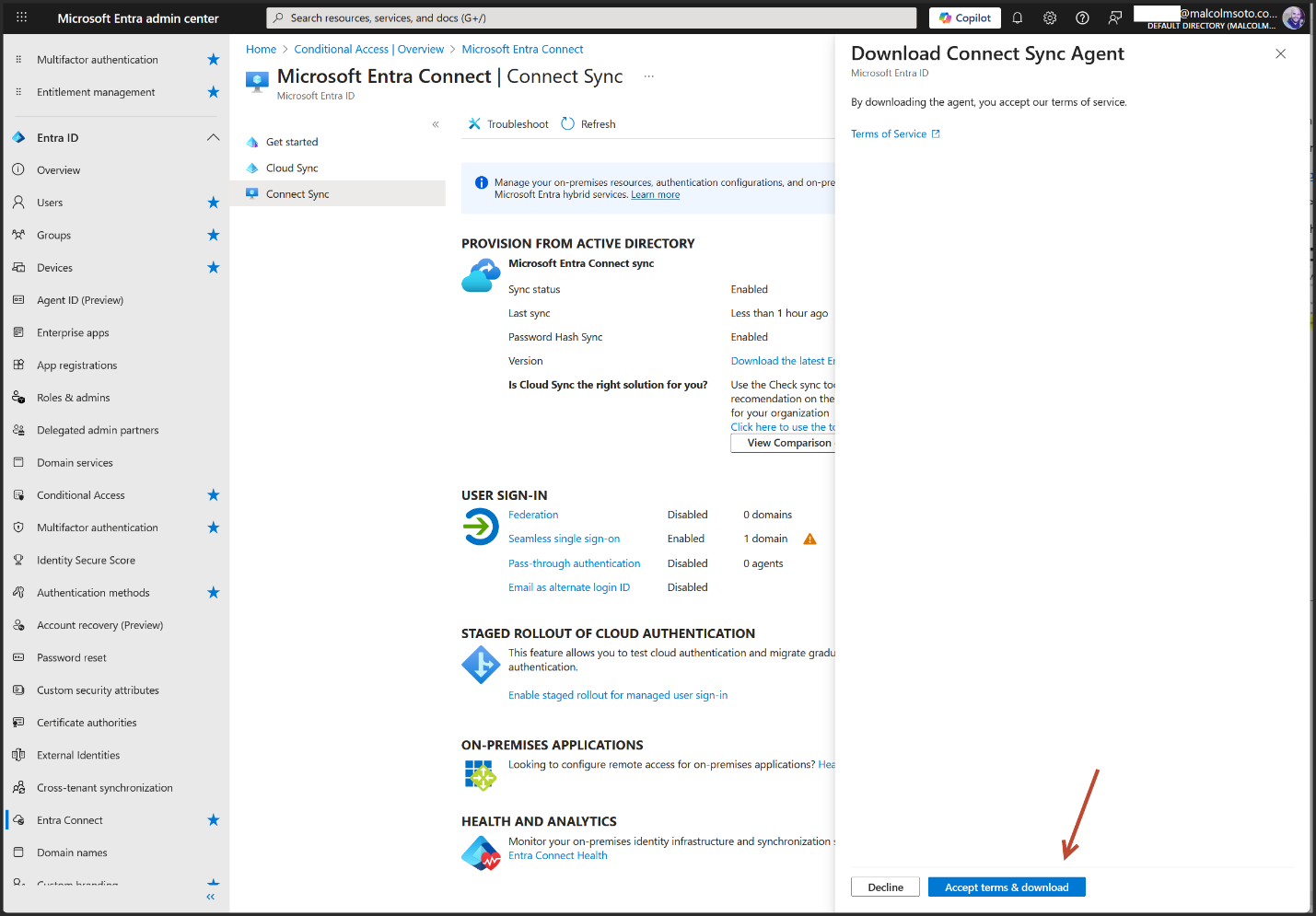
Click the Accept the terms and download
Run the Installer
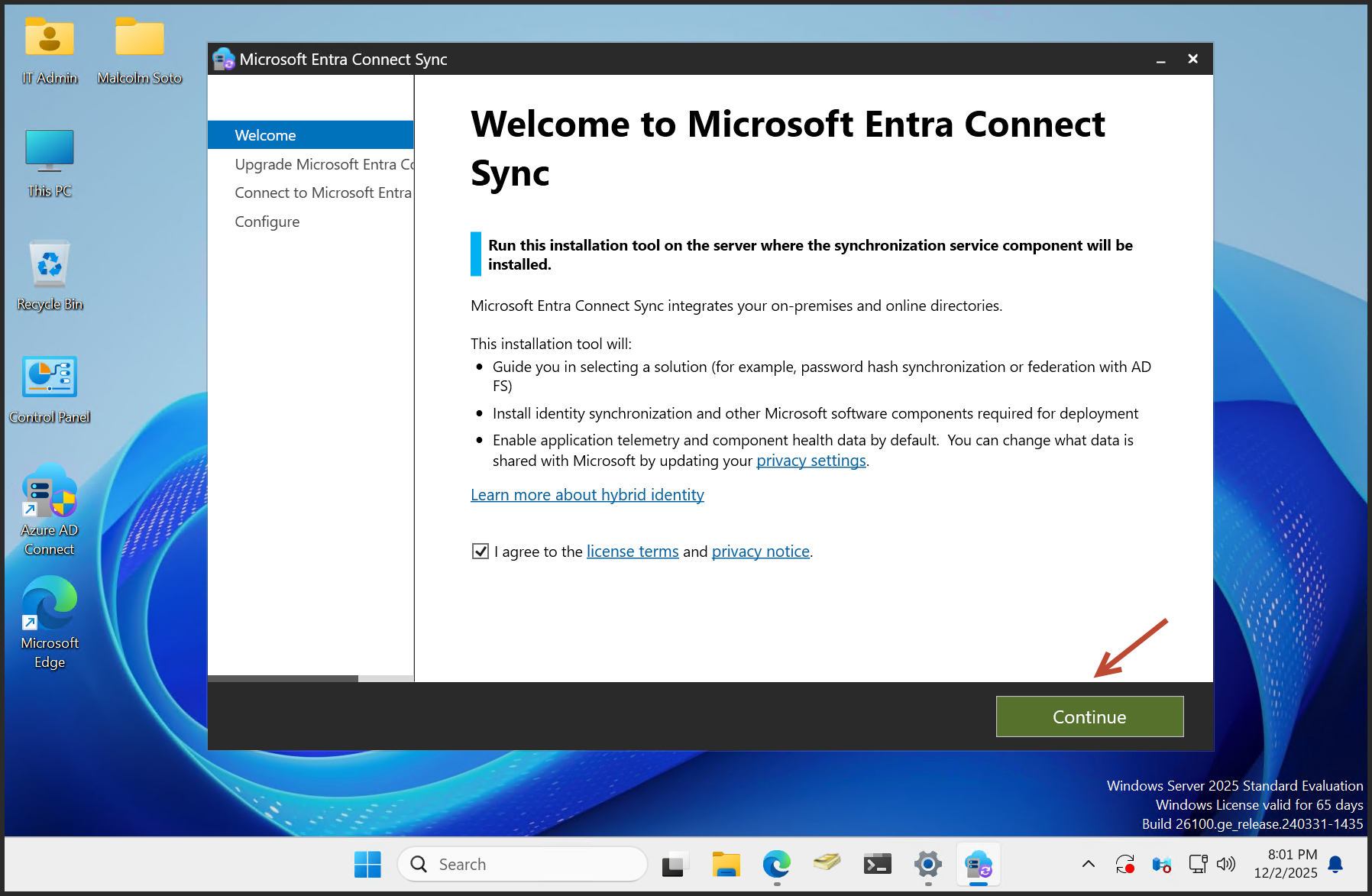
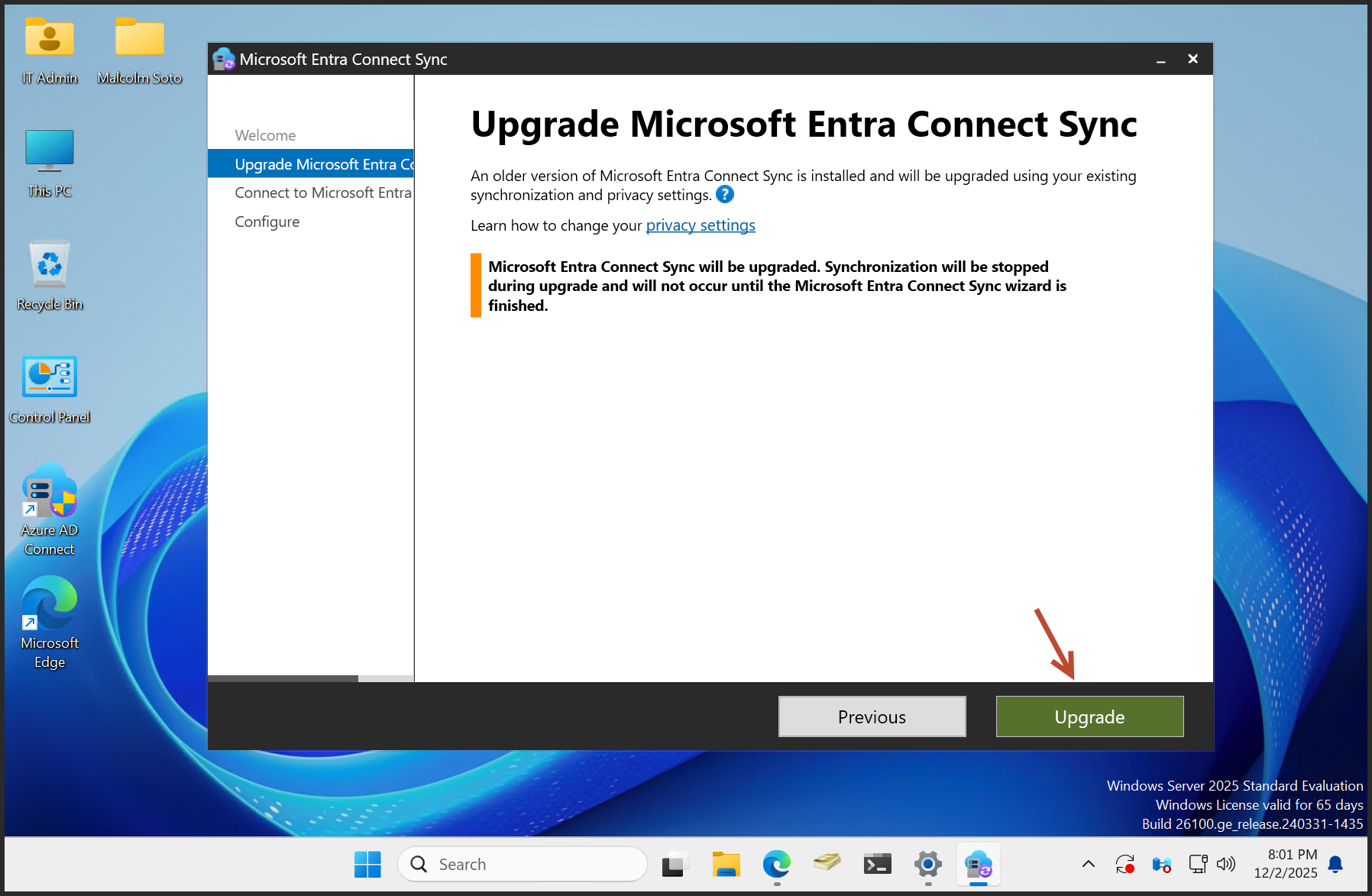
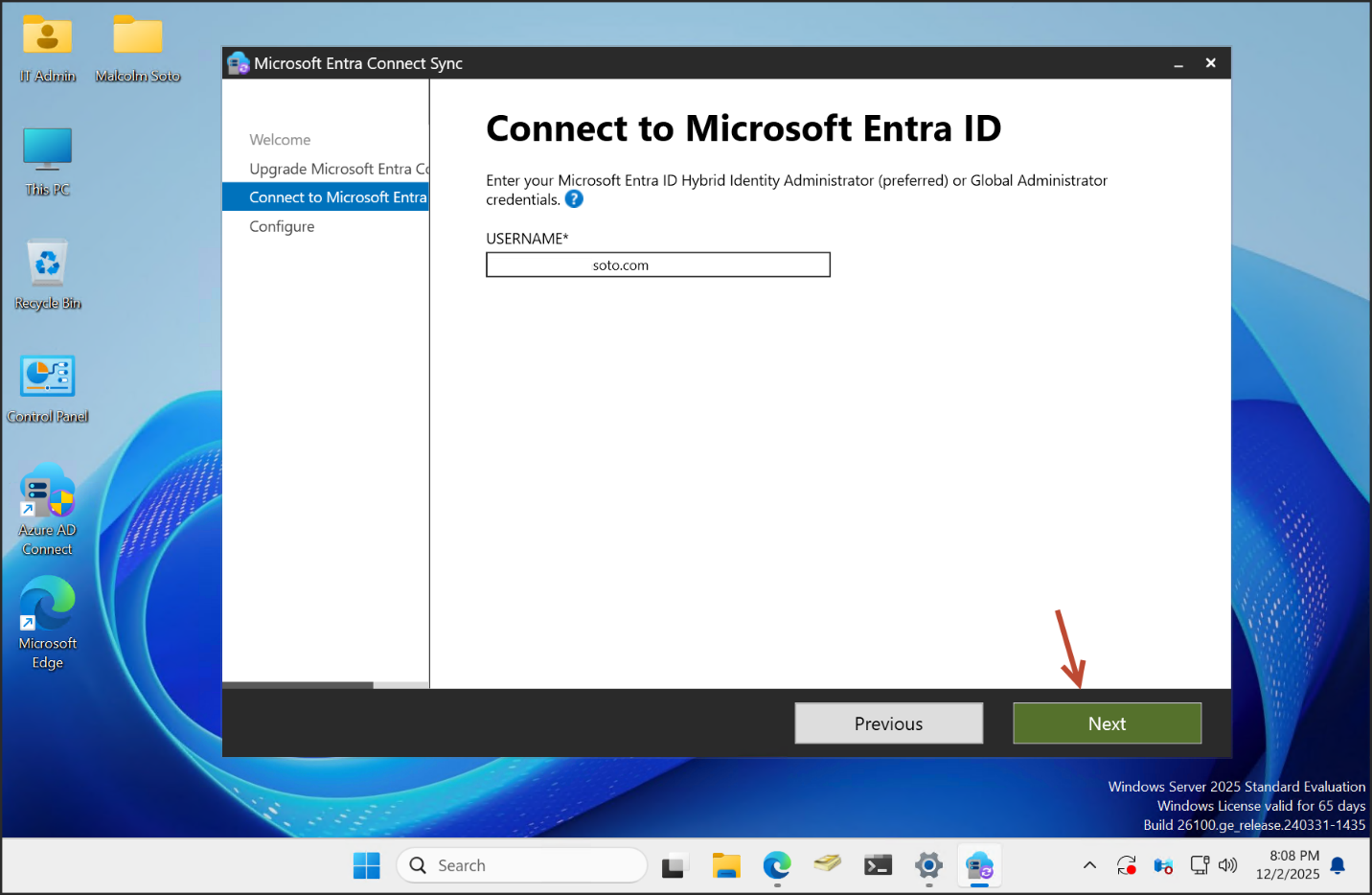
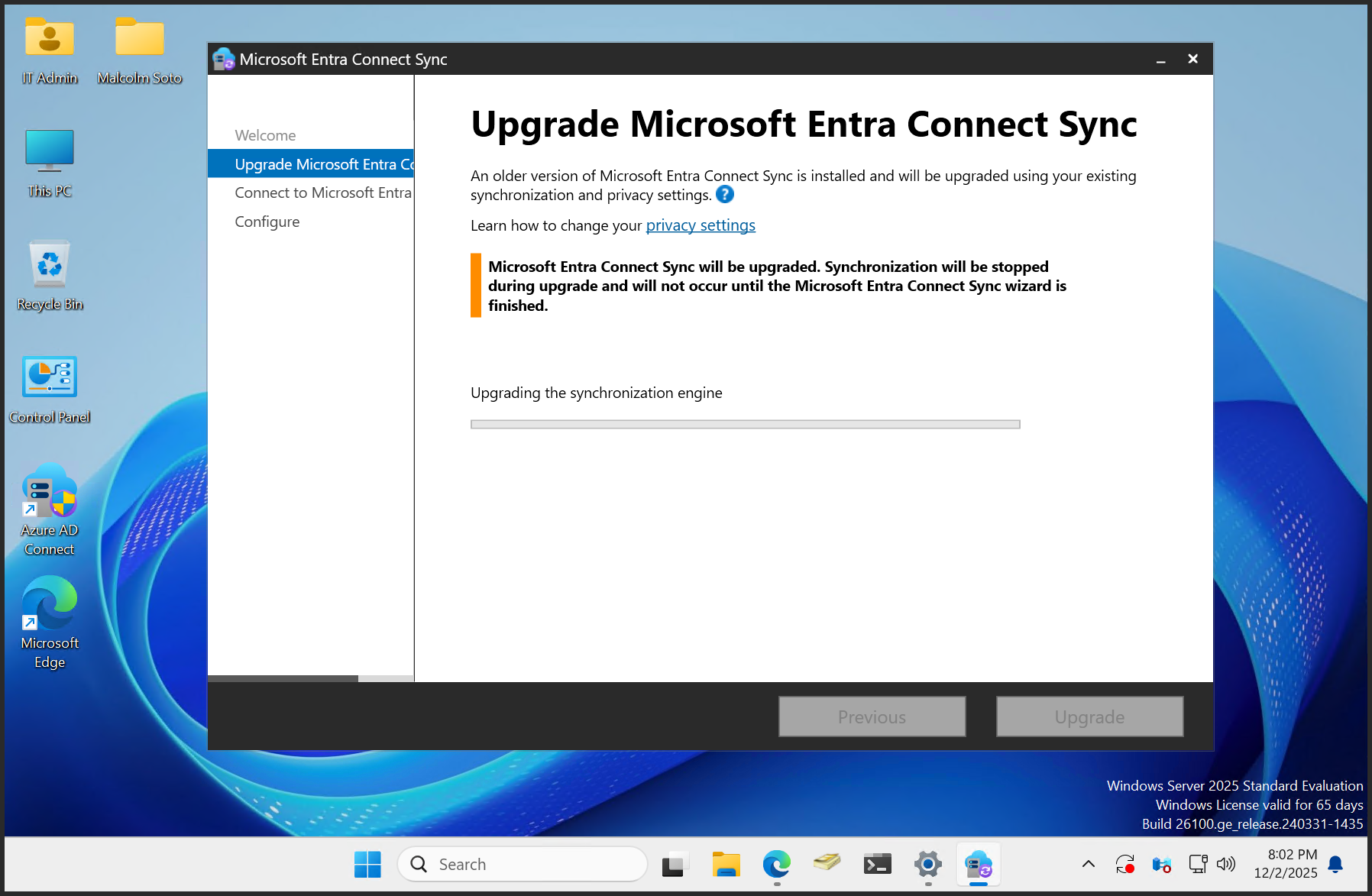 You need to authenticate with an account that has the required permissions, for example, a Global Admin.
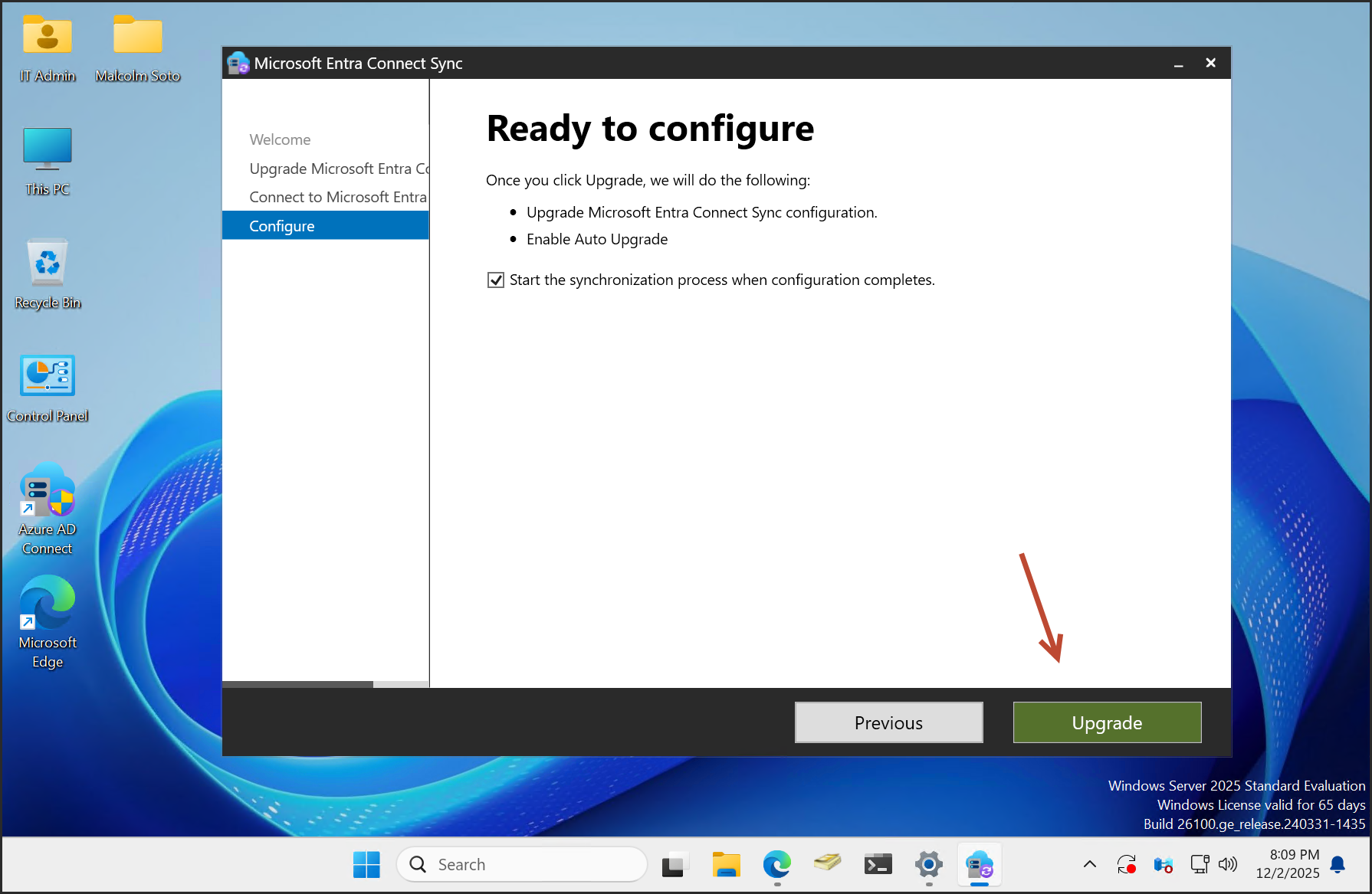
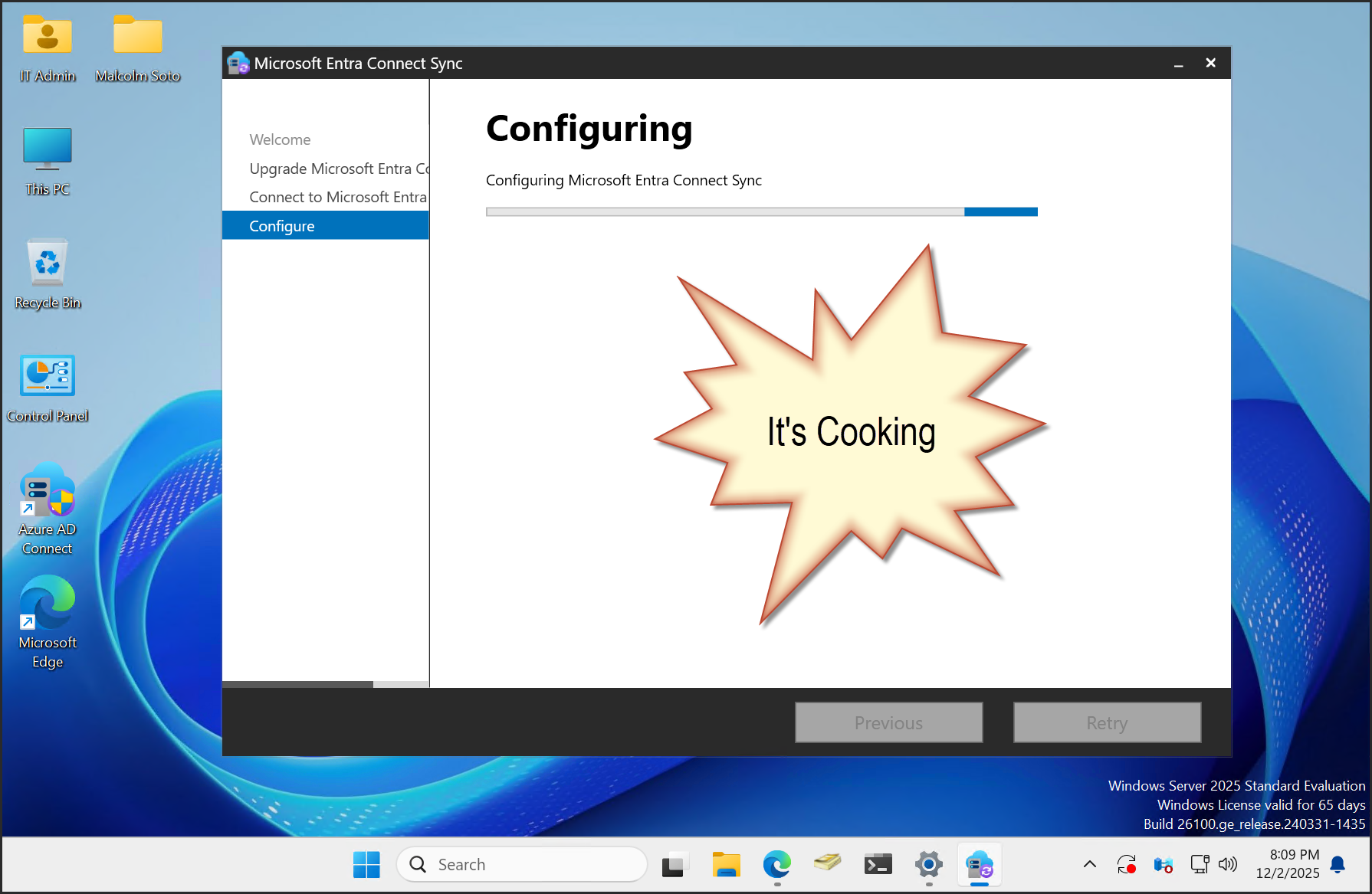
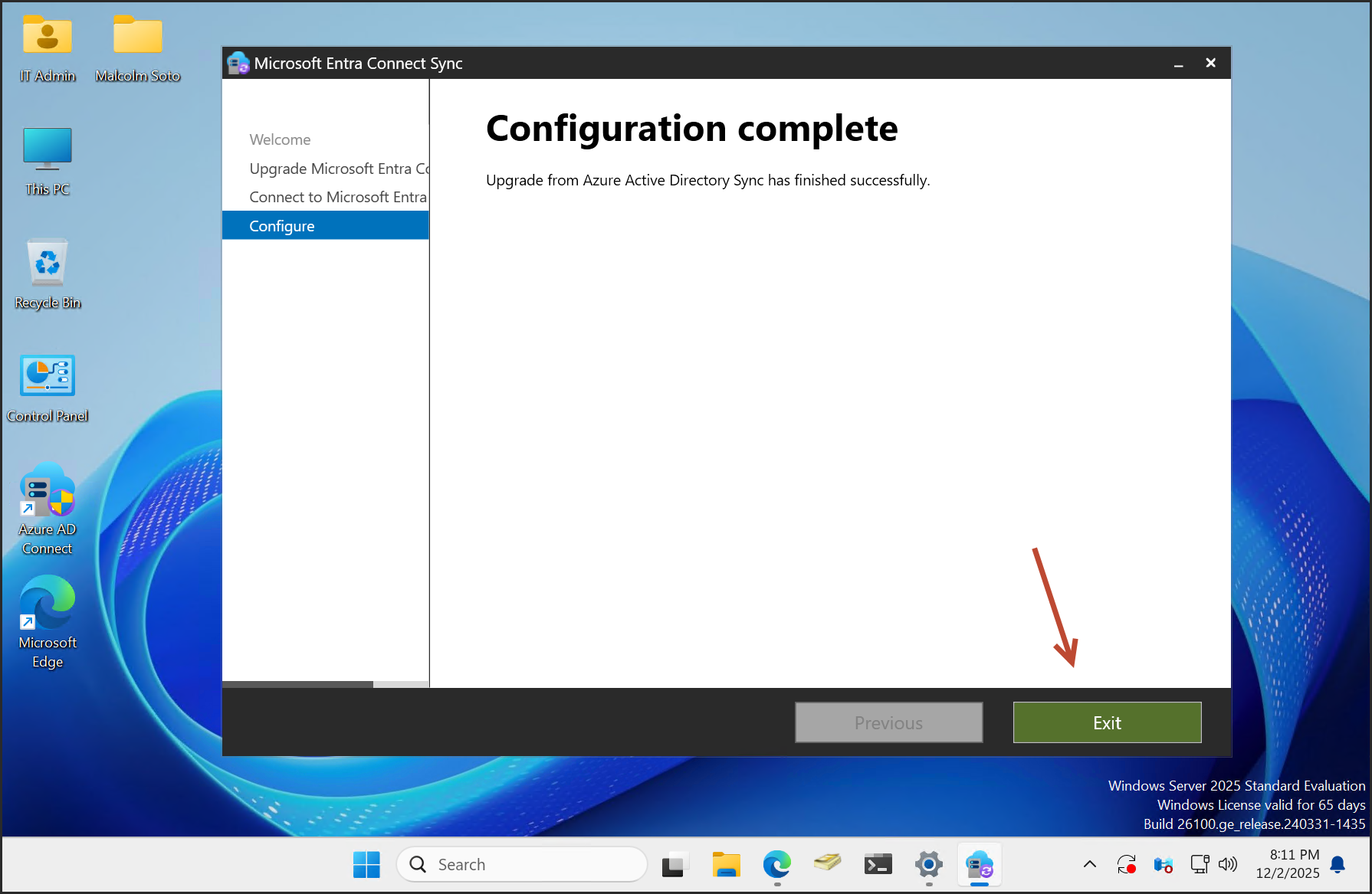
After the upgrade is done, open PowerShell as an admin.
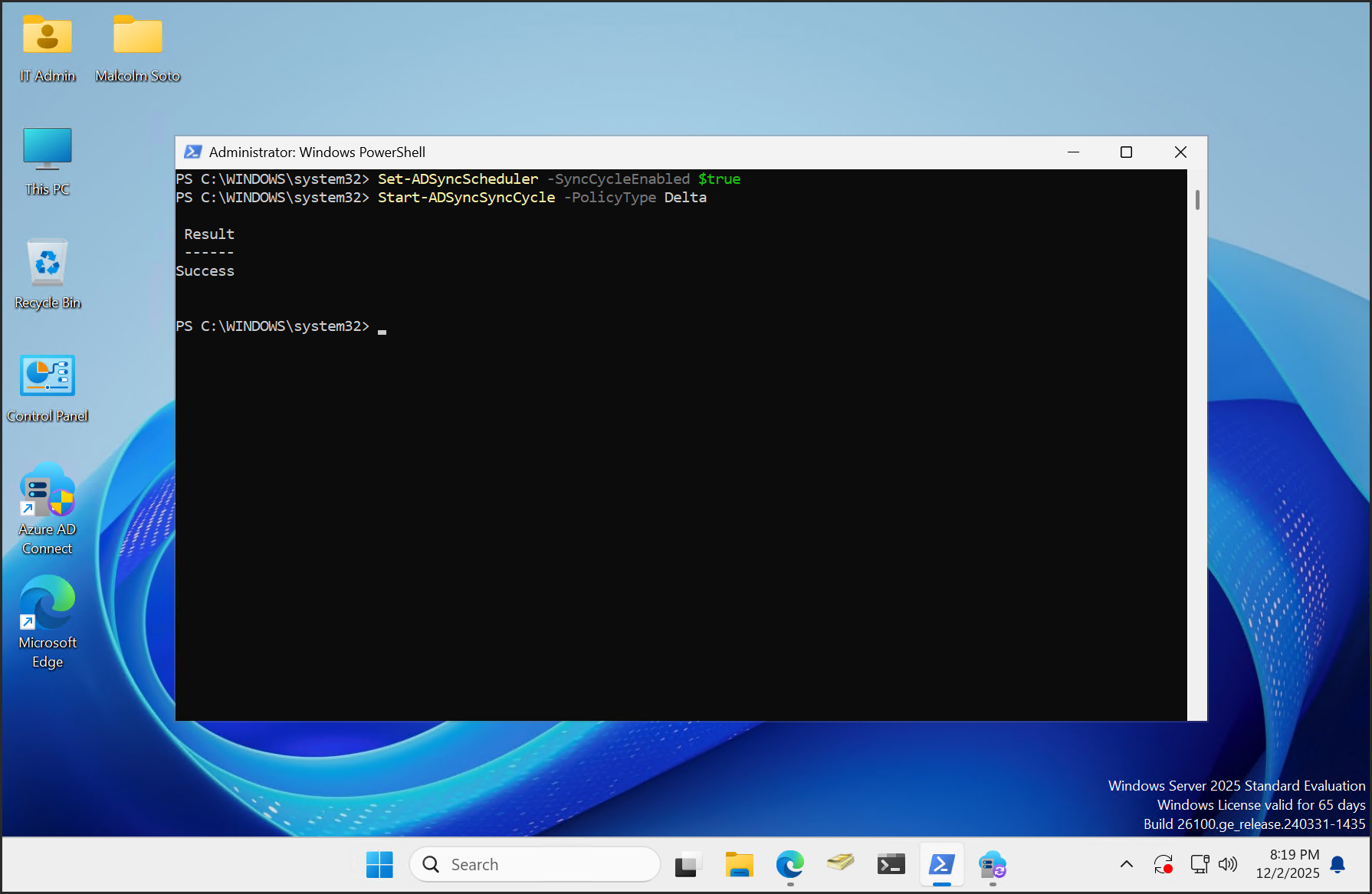
Start the synchronization service and run a Delta sync:
Set-ADSyncScheduler -SyncCycleEnabled $trueStart-ADSyncSyncCycle -PolicyType Delta